GamiPress is a free WordPress gamification plugin. It enables you to incorporate features common in gameplay into your website, such as point systems
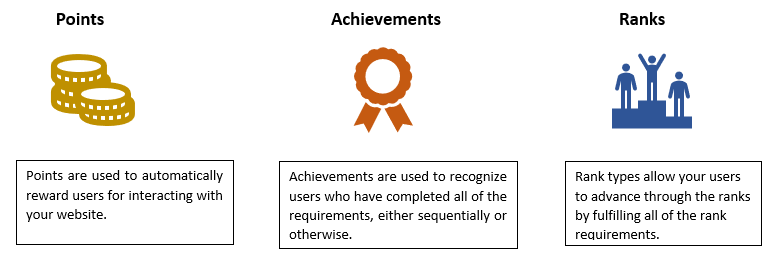
Three effective methods for rewarding your students -> GamiPress combines three of the most powerful award systems available for your website.
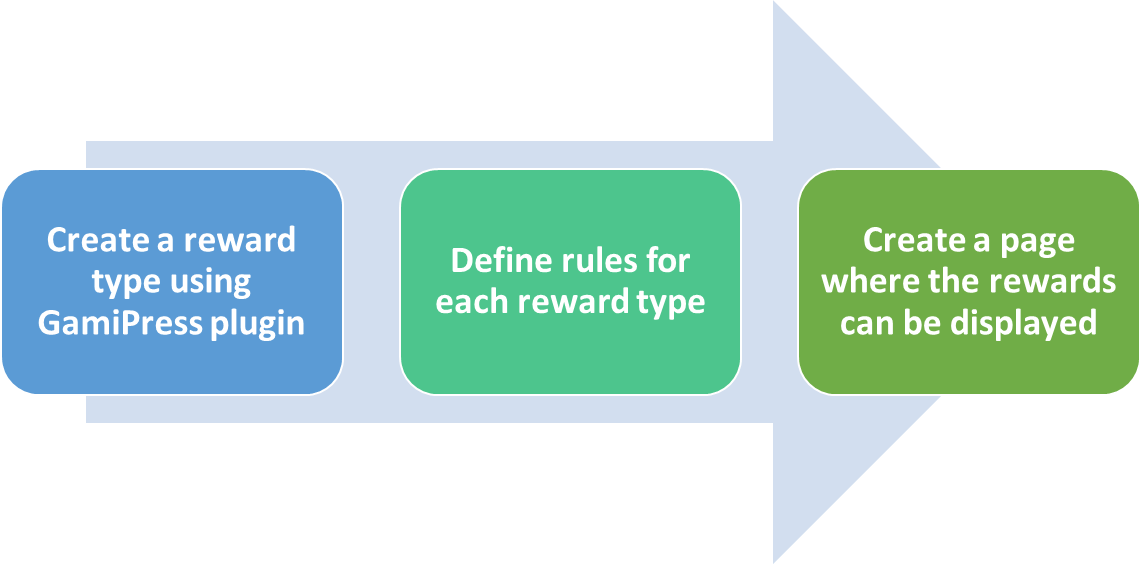
Basic outline for adding the three reward types:
Points Types
- Digital wallets for user
- Collect points by completing tasks
- Redeem for other “Prices”
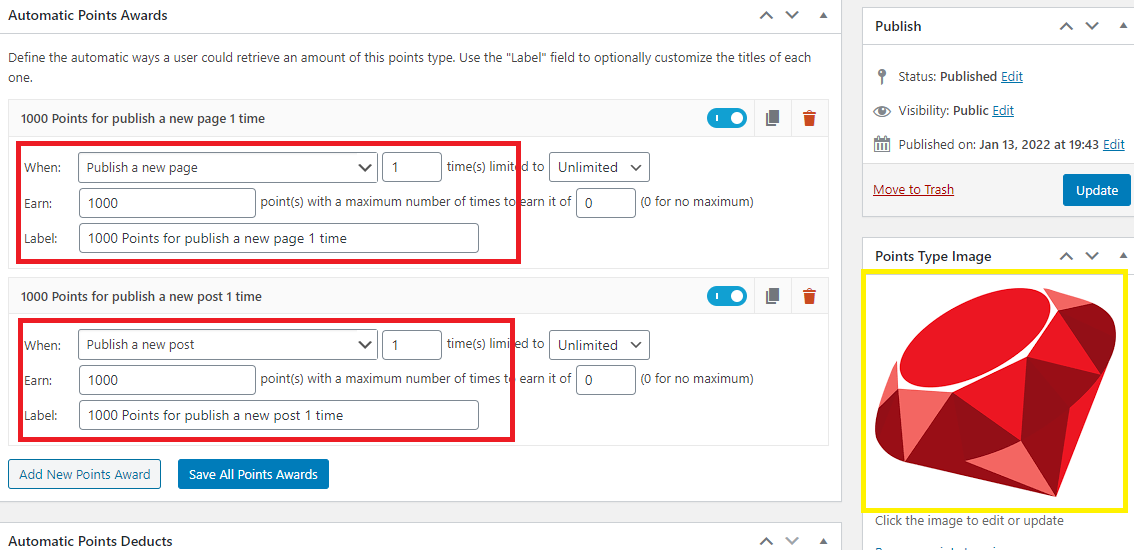
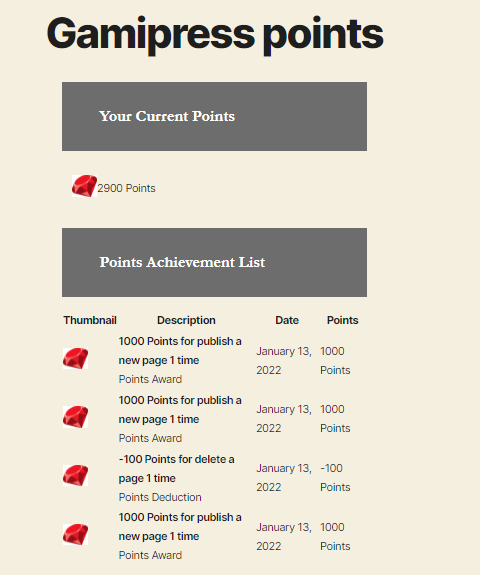
Instructors can choose when to award or deduct points, as well as the number of points for each action. These actions can be to publish a new page, publish a new post, comment on a post, daily visit a website and many more.
Once the point criteria have been established, the instructor must create a new page or add GamiPress tools in the existing page to show the students their current points or how they have earned them by adding GamiPress tools into the page.
Page/Student View:
Achievement Types
Tutorial: https://www.youtube.com/watch?v=W52HxozyN5g
- Awarded for completion requirements
- Badges and quests
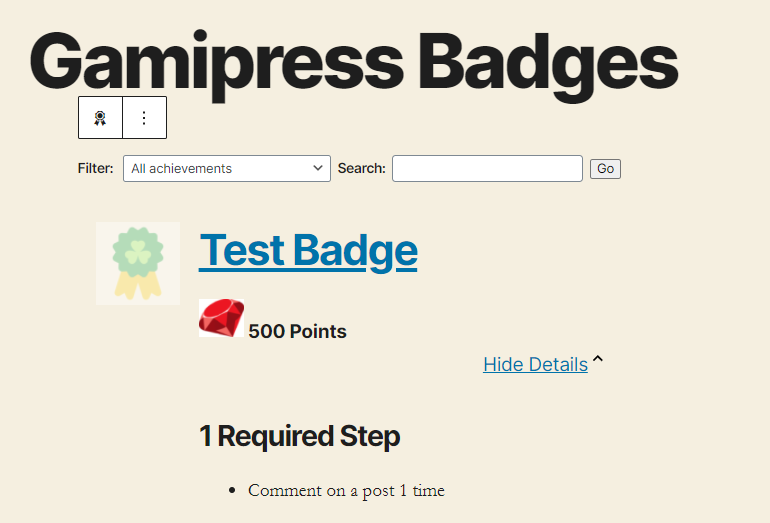
Instructors can create an achievement type and specify how many points a student will receive for completing the achievement. The instructor can choose how this achievement is earned. For example, by completing steps, accumulating a certain number of points, or achieving a certain rank in the course.
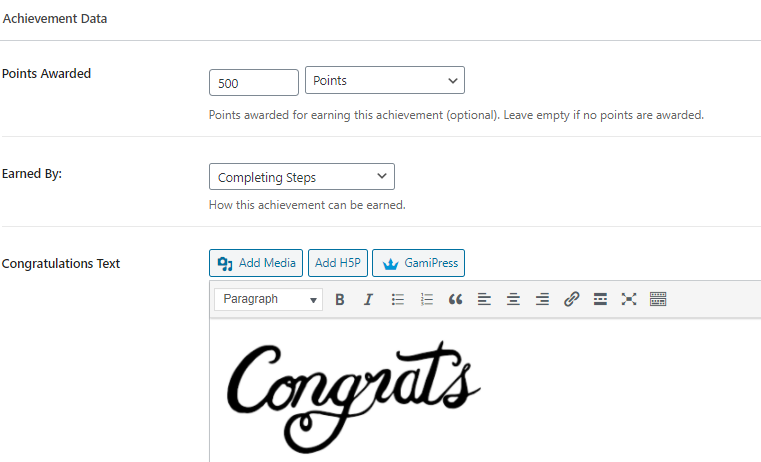
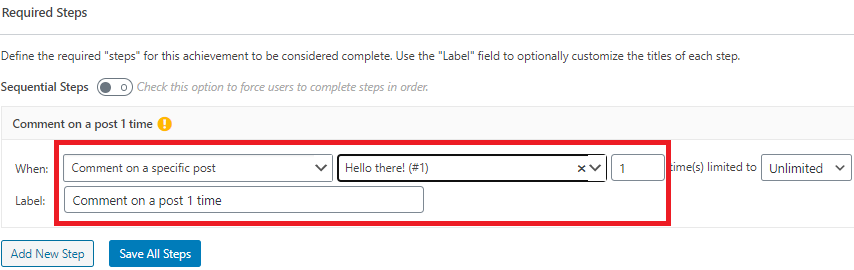
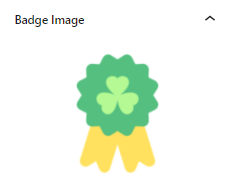
Once the achievement type has been configured, the instructor must create a page or incorporate GamiPress tools into an existing page so that students can see how much they can earn, what is the criteria to earn and what they have earned so far.
Page/Student View:
Rank Types
Tutorial: https://www.youtube.com/watch?v=oh3MFdAy_xc
- Like achievements, but criteria must be met in a specific order(like spend 1000 points to reach Level 1)
- Enable users to “level up”
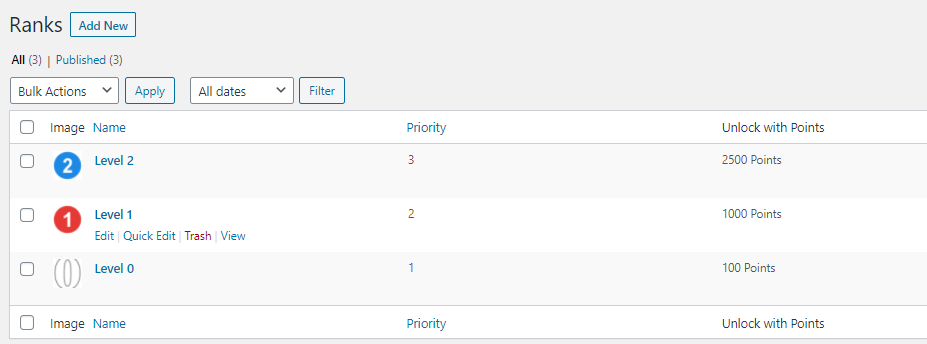
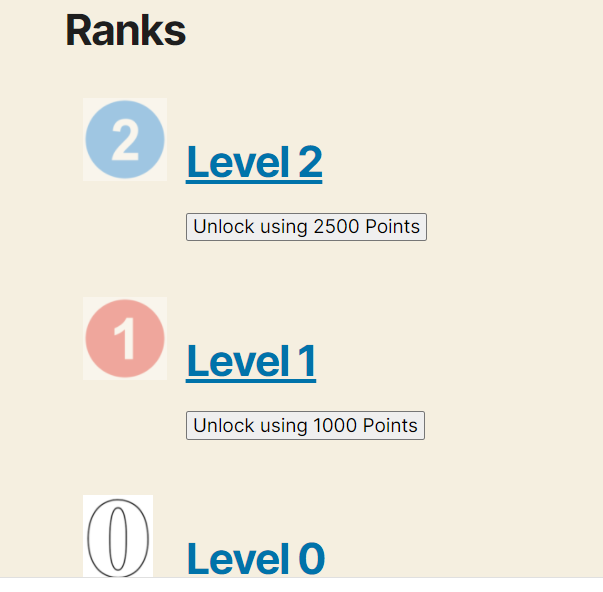
After configuring the rank type, the instructor must create a page or incorporate GamiPress tools into an existing page so that students can see how much points they need to spend to advance to the next level.
Page/Student View: